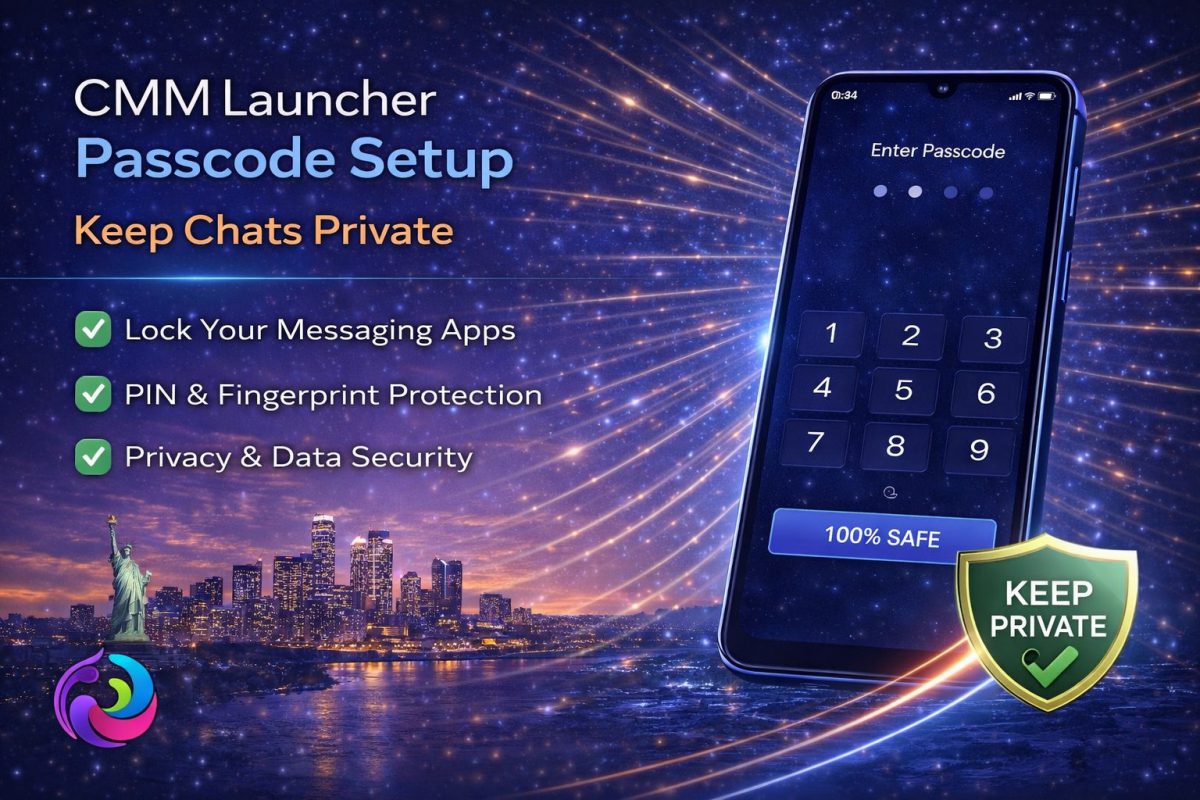
Privacy on smartphones is no longer optional, and CMM Launcher Passcode Setup plays a direct role in that shift. Many users today rely on CMM Launcher to manage both performance and personal security without adding heavy apps.
What makes this feature relevant is how quietly it works in the background. You do not need complex tools or separate lockers. Instead, the launcher itself becomes your privacy layer.
- Simple passcode protection integrated inside launcher
- No need for third-party app lock tools
- Works smoothly without slowing the device
- Useful for chats, gallery, and private apps
- Ideal for low RAM Android phones
- Why Smartphone Privacy Has Changed
- What is CMM Launcher Passcode Setup
- How the Setup Actually Works
- Real Usage Scenarios
- Market Context and App Security Trends
- Comparison with Other Lock Solutions
- Case Study
- User Reviews
- Forum Discussions
- FAQs
Why Smartphone Privacy Has Changed
In recent years, users have started treating smartphones like personal vaults. Messages, banking apps, and private photos now sit in one place. That shift has made built-in protection more important than ever.
Earlier, people relied on screen locks only. However, that approach feels limited now. Anyone with access to an unlocked phone can still open apps freely.
This is exactly where CMM Launcher Passcode Setup becomes useful. It adds a second layer without complicating the experience.
What is CMM Launcher Passcode Setup
CMM Launcher Passcode Setup is a built-in feature that allows users to lock specific apps using a PIN or pattern. It sits inside the launcher, so you do not need external security tools.
The idea is simple but effective. Even if someone unlocks your phone, they still cannot open selected apps without the passcode.
What stands out is its lightweight nature. It does not consume extra memory or battery, which is often a concern with third-party lockers.
How the Setup Actually Works
Setting up the passcode is straightforward. Once enabled inside the launcher settings, you choose the apps you want to protect.
After that, every time someone tries to open those apps, the passcode screen appears. It feels seamless because it blends with the launcher interface.
There is no visible lag or delay. That is important because users often avoid security features that slow down daily usage.
CMM Launcher Passcode Setup also allows quick changes. You can modify or remove the lock anytime without navigating complex menus.
Real Usage Scenarios
Consider a common situation. You hand your phone to a friend to show photos, but you do not want them opening your chats. This is where the feature quietly protects your privacy.
Another scenario involves shared devices. Many households use one phone for multiple purposes. App-level security becomes essential in such cases.
Students also benefit from this. They often store notes, personal chats, and documents on the same device. Having a simple lock system helps maintain boundaries.
Interestingly, users do not even notice the feature once set up. It works silently, which makes it practical for everyday use.
Market Context and App Security Trends
The demand for app-level security has increased significantly. Many developers now integrate privacy features directly into their products.
This trend is visible across different sectors. Even companies listed in top fitness app development companies are focusing on data protection.
Users expect security without complexity. That expectation has pushed lightweight solutions like CMM Launcher Passcode Setup into the spotlight.
Another noticeable shift is user awareness. People now actively look for privacy features before installing apps.
Comparison with Other Lock Solutions
Traditional app lockers often come with ads and heavy permissions. They also run in the background continuously, which can affect performance.
In contrast, CMM Launcher Passcode Setup works as part of the launcher. It avoids unnecessary overhead.
When compared to standalone tools like a battery saver app combined with a locker, the difference becomes clear. One integrated solution feels cleaner.
Another advantage is consistency. The interface remains uniform, so users do not feel like they are switching between apps.
That said, advanced users may still prefer dedicated security apps for additional features. However, for most people, this setup is more than enough.
Case Study
A college student in Delhi started using CMM Launcher Passcode Setup after facing privacy issues in shared spaces. Friends often borrowed his phone, which led to unwanted access to personal chats.
After enabling the passcode feature, the problem disappeared almost instantly. He did not need to explain anything or restrict phone usage.
What stood out was the simplicity. Within minutes, his device felt more secure without adding new apps.
This shows how small features can solve real problems when implemented correctly.
User Reviews
Rohit, Mumbai I like how simple the lock feature is. It does not slow my phone and works every time without fail.
Anjali, Chandigarh I use it mainly for WhatsApp and gallery. It gives peace of mind when someone else uses my phone.
Karan, Bangalore I tried many locker apps before, but this feels smoother. No ads, no confusion, just works.
Forum Discussions
Question by Vivek, Jaipur: Does CMM Launcher Passcode Setup affect battery life on older phones?
Community Reply by Sandeep, Pune: I have used it on a 3GB RAM device. There is no noticeable battery drain compared to third-party lockers.
Question by Neha, Delhi: Can someone bypass the lock if they know basic phone settings?
Community Reply by Arjun, Hyderabad: It is secure for daily use. However, advanced users should combine it with system-level security for extra safety.
FAQs
Is CMM Launcher Passcode Setup safe for personal data?
Yes, it provides a basic layer of app-level protection. While it is not a replacement for system encryption, it effectively prevents casual access to private apps.
Can I lock multiple apps using this feature?
Yes, users can select multiple apps to lock. This includes messaging apps, gallery, and even settings depending on preferences.
Does it slow down the phone?
No, the feature is lightweight. Since it is integrated into the launcher, it avoids heavy background processes common in standalone lockers.
What happens if I forget the passcode?
You can reset it through launcher settings. However, it is important to remember your code to avoid temporary access issues.
Is it better than third-party app lockers?
For basic privacy needs, it works better due to simplicity and performance. Advanced users may still prefer dedicated tools for extra features.
Looking at the broader picture, CMM Launcher Passcode Setup fits well into modern Android usage. It does not try to replace full security systems, but it solves everyday privacy concerns effectively.
There is also a subtle advantage here. Users do not feel overwhelmed. Instead, they get a simple tool that works without constant attention.
In real usage, that matters more than feature lists. People prefer solutions that blend into their routine rather than interrupt it.

![CMM Launcher App Lock | Secure Your Data [100% Safe]](https://toptofind.com/wp-content/uploads/2026/03/CMM-Launcher-App-Lock-1200x800.jpg)