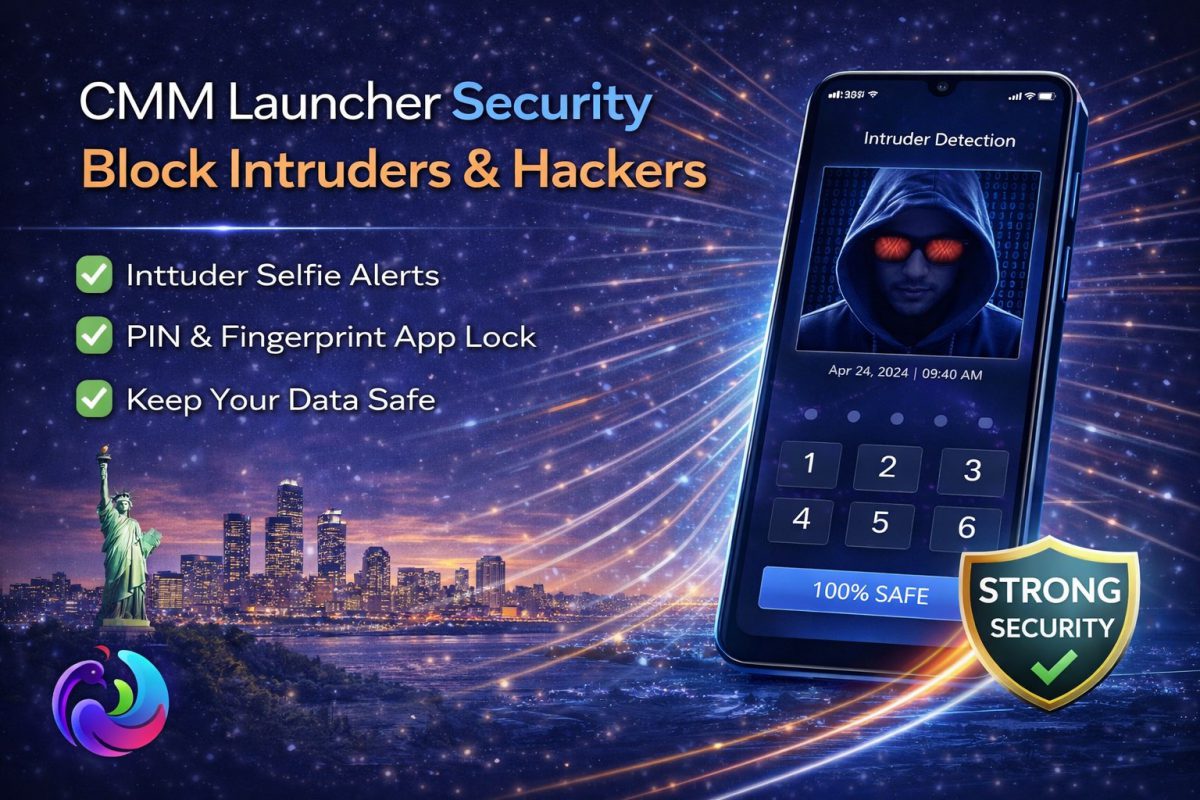
Security on smartphones has shifted from optional to essential, and the Best Privacy App conversation now feels more urgent than ever. With increasing app permissions and hidden trackers, users need smarter control. That is where CMM Launcher quietly enters the discussion.
Instead of behaving like a typical launcher, it blends customization with layered protection. That combination makes it interesting for users who want both style and control without installing multiple apps.
Quick Verdict
- Combines launcher customization with real privacy protection
- Lightweight and suitable for low to mid-range devices
- Built-in app lock reduces dependency on third-party tools
- Useful for users who want silent background security
Table of Contents
- Why Mobile Security Changed in 2026
- Core Privacy Features Explained
- How It Works in Daily Use
- Market Context and Alternatives
- Comparison with Other Launchers
- Case Study
- User Reviews
- Forum Discussions
- FAQs
Why Mobile Security Changed in 2026
Android privacy concerns have evolved quickly in recent years. Apps no longer just request permissions, they continuously track behavior in the background. That shift pushed users toward tools that actively monitor access.
At the same time, people prefer fewer apps on their devices. Installing separate tools for locking, hiding, and monitoring feels inefficient. This is where the Best Privacy App category started merging with utility apps like launchers.
Interestingly, users are not just worried about hackers anymore. Intrusion now includes friends, family, or even colleagues accessing unlocked phones. That everyday reality shaped the demand for smarter protection layers.
Core Privacy Features Explained
CMM Launcher focuses on silent protection rather than aggressive alerts. It offers app lock functionality that restricts access without slowing down the system. The lock works smoothly across banking apps, chats, and gallery folders.
Another subtle feature is intruder detection. If someone tries to unlock protected apps, the system can capture activity in the background. This adds a quiet layer of accountability without creating unnecessary noise.
The launcher also integrates a hidden space. Users can move sensitive apps away from the main screen, making them invisible unless accessed intentionally. It feels more like a personal vault than a standard app drawer.
These features together position it as a Best Privacy App alternative without the bulk of standalone security tools.
How It Works in Daily Use
In everyday usage, the experience feels surprisingly light. You do not notice constant popups or system slowdowns. That matters because many privacy apps fail due to heavy resource usage.
Unlocking apps remains smooth, and transitions feel natural. The security layer operates in the background, which reduces friction. This balance between usability and protection is rare.
One small observation stands out. After a few days, users stop thinking about security actively. The system becomes part of normal phone behavior, which is exactly how privacy tools should function.
Market Context and Alternatives
The Android ecosystem offers countless privacy apps, but most specialize in one function. Some focus only on app locks, while others target antivirus protection. Very few combine multiple layers efficiently.
Interestingly, app development trends show a shift toward integrated solutions. You can see similar patterns discussed in modern app development approaches where multi-feature ecosystems dominate.
That is why tools like CMM Launcher feel relevant today. They reduce clutter while maintaining essential protection. The Best Privacy App is no longer just about locking apps, it is about controlling access seamlessly.
Comparison with Other Launchers
Most Android launchers focus on customization. They offer themes, gestures, and layout control but ignore security. Users often need additional apps to cover privacy gaps.
However, some setups try to combine performance and security manually. A typical example can be seen in optimized launcher setups, where users tweak multiple settings for speed and protection.
CMM Launcher simplifies this process by integrating both. You get customization and security in a single environment. That reduces setup complexity and improves consistency.
From a practical perspective, this makes it closer to a Best Privacy App rather than just a visual tool.
Case Study: Daily Security in Shared Environments
Rahul, a college student, often shares his phone with friends. He needed a way to protect messaging apps without making it obvious. Traditional app locks created visible prompts that felt awkward.
After switching to CMM Launcher, he used hidden app features and silent locking. Friends could still use the phone, but sensitive apps remained inaccessible. Over time, he noticed fewer privacy concerns.
This case highlights an important shift. Security is not always about external threats. Sometimes it is about managing everyday access quietly.
User Reviews
Amit, Delhi I like how it protects apps without slowing down my phone. It feels light and reliable for daily use.
Sarah, London The hidden apps feature works well for privacy. I do not need extra tools anymore.
Jason, New York It is simple but effective. I was not expecting a launcher to handle security this smoothly.
Forum Discussions
Question by Rohan, Mumbai: Is it safe to rely on a launcher for privacy instead of a dedicated app?
Community Reply by Neha, Bangalore: For basic protection like app lock and hiding apps, it works well. For advanced threats, you may still need additional tools.
Question by Alex, Toronto: Does it impact battery life compared to normal launchers?
Community Reply by Mark, Sydney: Not really. It is optimized, so the difference is minimal unless you use heavy themes.
FAQs
Is CMM Launcher really a Best Privacy App or just a launcher?
It functions as both. While it is technically a launcher, its built-in app lock, hidden apps, and intruder detection make it comparable to privacy apps.
Can it fully replace dedicated security apps?
For basic privacy needs like app protection and hiding data, yes. However, advanced protection like malware scanning may still require additional apps.
Does it slow down older Android devices?
No, it is designed to be lightweight. In many cases, it improves performance compared to heavier launchers with limited optimization.
How secure is the app lock feature?
The app lock uses standard Android security layers and works reliably for everyday protection. It is sufficient for preventing unauthorized access.
Is it suitable for business or professional use?
Yes, especially for users who store sensitive information on their phones. It offers a practical balance between usability and privacy.
Final Thoughts
The definition of the Best Privacy App has clearly evolved. Users now expect tools that integrate naturally into their daily workflow. CMM Launcher fits into that expectation without trying too hard.
It does not promise extreme security features, and that honesty works in its favor. Instead, it focuses on practical protection that most users actually need.
In real terms, it feels less like a security app and more like a smarter way to use your phone. That subtle difference makes it worth considering.
