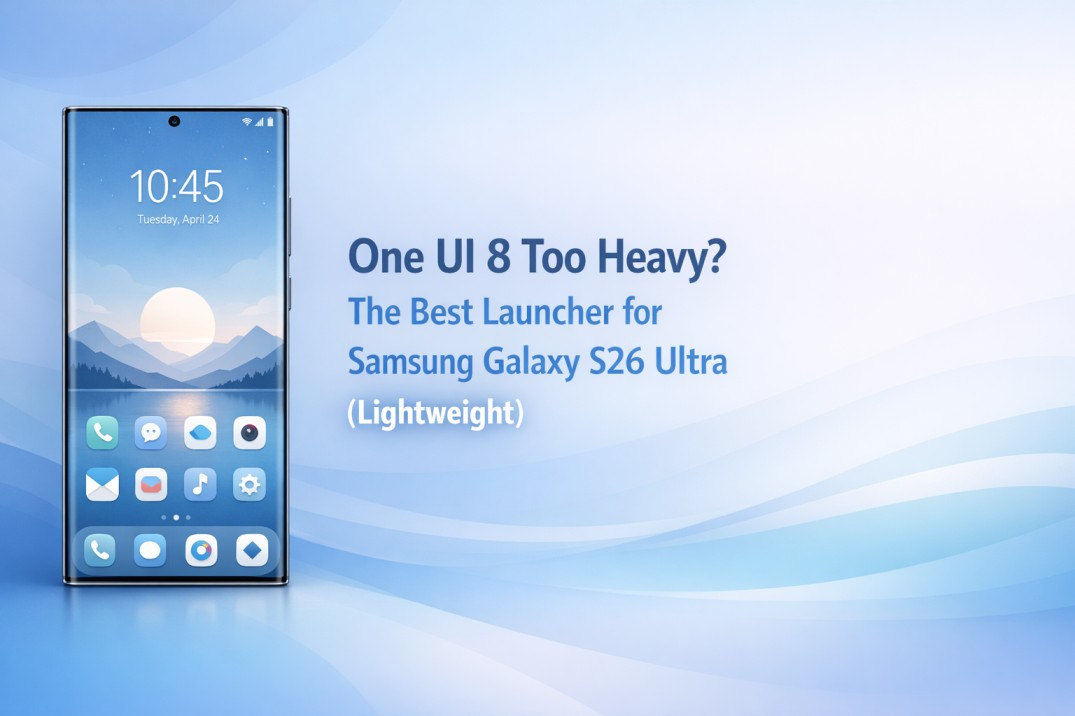
One UI 8 Too Heavy? The Best Launcher for Samsung Galaxy S26 Ultra (Lightweight)

The moment One UI 8 rolled out, expectations were high. A premium device like the Samsung Galaxy S26 Ultra should feel effortless it’s, after all, the pinnacle of Android hardware. Yet, many users quietly wondered if something felt heavier than before. That hesitation often leads people to explore a lightweight launcher for Samsung Galaxy S26 Ultra, hoping daily performance can finally match the flagship hardware specs.

This curiosity does not come from complaints alone. It comes from noticing tiny delays, heavier animations, and slight battery dips during long days. The phone still looks beautiful, but the experience sometimes feels slower than it should. That gap between power and smoothness creates doubt.

This guide exists to clear that doubt with calm clarity. You don’t need a new phone; you just need a lighter interface.

⚡ Quick Summary: The Speed Fix

  • The Issue: One UI 8’s “Visual Richness” adds layers of animation that slow down input response.
  • The Effect: Micro-stutters when multitasking and decreased battery life.
  • The Solution: CMM Launcher bypasses the heavy visual stack for instant response.
  • The Benefit: Restores the true 120Hz feel and extends screen-on time.

Why One UI 8 Feels Heavier on the S26 Ultra

Samsung designed One UI 8 to look rich and immersive. However, visual richness often carries hidden weight. On the Galaxy S26 Ultra, that weight becomes noticeable during real usage rather than quick demos.

Users often notice slight pauses while opening apps, heavier transitions, or gestures that feel less “immediate.” These moments rarely feel dramatic, but over time, they reduce confidence in the device. The issue rarely involves hardware limitations (the Snapdragon chip is a beast). Instead, it connects to how the interface manages visuals, background tasks, and memory.

Visual Depth and System Overhead

One UI 8 focuses on layered visuals, depth effects (blur), and non-linear animations. While attractive, each layer requires GPU processing. Even when animations look smooth, the phone often “waits” for the visual to finish before letting you touch the screen again. This creates a sense of delay. For users who value instant feedback, this visual overhead becomes a bottleneck.


What a Lightweight Launcher Changes

Switching to a lightweight launcher shifts how the phone behaves at its core interaction layer. Reducing overhead here creates immediate changes. Users often report smoother scrolling, quicker app launches, and more consistent gestures. The phone feels responsive without sacrificing usability.

This is where a lightweight launcher for Samsung Galaxy S26 Ultra becomes practical rather than experimental. It changes how the device feels every single day.

Comparison: One UI 8 vs. CMM Launcher

Feature One UI 8 (Stock) CMM Launcher (Lightweight)
Animation Weight Heavy & Layered Instant & Snappy
Memory Usage High (Background AI) Minimal Footprint
Response Time Visual Delay Zero Input Lag

Why CMM Launcher Fits the S26 Ultra

Choosing a launcher requires clarity. Many options promise speed but sacrifice stability. CMM Launcher approaches performance differently. Instead of chasing features, it focuses on interaction efficiency. This design philosophy aligns well with Galaxy S26 Ultra users who value control.

Designed for Speed Without Breaking Familiarity

Many users fear launchers because they disrupt muscle memory. CMM Launcher avoids that risk. Navigation remains familiar. Icons stay readable. System gestures work as expected. The transition feels natural users adjust quickly without frustration. It adapts to Samsung habits rather than forcing new behavior.

💡 Pro Tip: Pair CMM Launcher with Samsung’s “Developer Options.” Set your Window Animation Scale to 0.5x inside Developer Options, then set CMM’s transition effect to “None.” Your S26 Ultra will feel faster than thought.

Success Story: Amit’s Experience

Amit from Bengaluru used his Galaxy S26 Ultra heavily for work and content consumption. After updating to One UI 8, he noticed slower gestures and higher battery drain during long days. He felt like his expensive phone was aging prematurely.

Instead of resetting his phone, he tried CMM Launcher. “Within hours, navigation felt smoother,” Amit says. “App switching improved instantly. The micro-lag when opening the camera disappeared.” After a week, he realized he stopped thinking about performance entirely. His phone felt reliable again. The change was subtle yet transformative.


Real User Reviews

Rohit Sharma, Delhi

⭐⭐⭐⭐⭐

“I loved One UI visuals, but performance felt inconsistent. After switching launchers, my S26 Ultra finally feels responsive again during daily work.”

Neha Kulkarni, Pune

⭐⭐⭐⭐⭐

“Battery life improved noticeably. Gestures feel smoother. I did not expect such a difference from just changing the launcher.”


Frequently Asked Questions

Q: Is a lightweight launcher reversible if I dislike it later?
A: Yes, launchers can be removed easily. You can return to One UI anytime without affecting data or system stability.

Q: Will using a launcher affect system updates?
A: No, system updates remain unaffected. The launcher works independently from Samsung updates and continues functioning normally.

Q: Do lightweight launchers reduce battery drain significantly?
A: They often reduce background usage and animation load, which helps stabilize battery performance over long usage periods.


Final Thoughts: Restore Flagship Feel

A flagship phone should feel effortless every day. When One UI 8 feels heavier than expected, frustration naturally follows. However, hardware rarely causes this experience.

Choosing a lightweight launcher for Samsung Galaxy S26 Ultra restores balance. It improves responsiveness, stabilizes battery behavior, and brings confidence back into daily usage. CMM Launcher fits this need without noise. It respects Samsung design, prioritizes performance, and avoids unnecessary complexity. The result feels calm, reliable, and satisfying.

Download CMM Launcher from Google Play Store

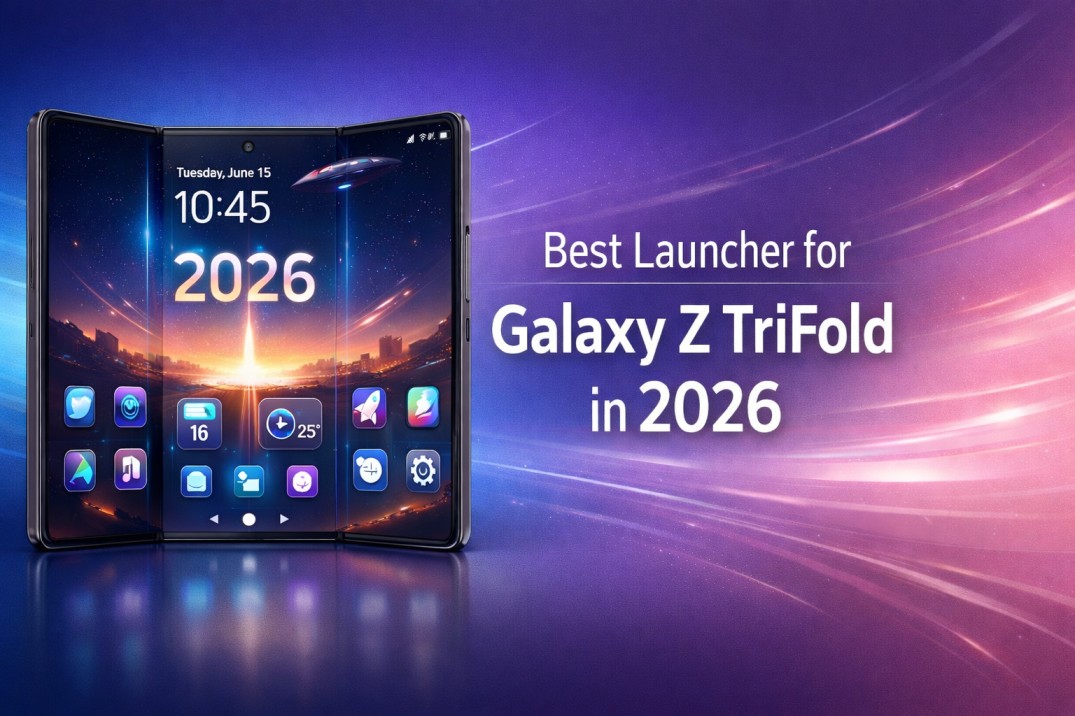
Best Launcher for Galaxy Z TriFold in 2026

Finding the Best Launcher for Galaxy Z TriFold in 2026 can be tricky. The device offers great freedom. However, without the right control, it often delivers chaos. Three screens sound exciting. Yet, daily use reveals layout gaps and awkward scaling.

Most users do not struggle with hardware power. Instead, they struggle with flow. A tri-fold phone needs a calm structure. It also requires predictable movement and visual balance. This guide takes you from doubt to confidence. We help you choose the Best Launcher for Galaxy Z TriFold in 2026 without the hype.

Understanding the Galaxy Z TriFold Reality in 2026

The Galaxy Z TriFold changes how we use Android. Users do not just use one screen. They manage a compact mode, a partial unfold, and a full tablet expansion. Each state changes how you reach icons.

Unfortunately, default launchers treat this like a stretched phone. As a result, users feel friction. A tri-fold device rewards thoughtful software. When the launcher understands movement, the phone finally feels complete.

Why the Best Launcher for Galaxy Z TriFold in 2026 is Essential

Tri-fold phones magnify every design choice. A small flaw becomes a major distraction across three panels. Therefore, users notice delays immediately. Misaligned widgets also become obvious.

A dedicated Galaxy Z TriFold launcher must respect the screen context. It should react smoothly when the device changes form. Without that awareness, even premium hardware feels unfinished.

The Problem With Default Tri Screen Layouts

Stock launchers often focus on compatibility. They rarely prioritize experience. Icons might stretch unnaturally. Widgets can lose their proportion. Furthermore, app grids shift unpredictably. These issues break muscle memory. Consequently, users hesitate. The interface feels unreliable.

How Poor Optimization Affects Daily Use

When navigation feels uncertain, users slow down. They start double-checking gestures. They also avoid multitasking. Eventually, they stop using the device’s full potential. A foldable phone should encourage exploration. However, poor optimization does the opposite.

What Makes a Launcher Truly Tri Fold Ready

Not every app suits a tri-fold device. Real readiness depends on intelligence. The launcher must understand screens as separate zones. It should balance flexibility with restraint. Visual clarity matters more than endless options.

Screen Awareness and Panel Intelligence

A tri-fold ready launcher detects fold states instantly. It adapts spacing without resetting layouts. Each panel feels intentional. This awareness builds trust. As a result, users stop thinking about the interface. They start using the device naturally.

App Scaling and Layout Consistency

Consistency keeps orientation effortless. Icons remain readable. Widgets stay proportional. Nothing feels crowded. Good scaling preserves familiarity. This remains true even when the phone changes shape.

Gesture Flow Across Three Displays

Gestures must follow logic. Swipes should feel continuous across panels. Navigation should remain predictable in every state. When gestures align with movement, the phone feels fluid.

Performance Matters for the Best Launcher for Galaxy Z TriFold in 2026

Tri-fold devices amplify performance flaws. Every animation spans more space. This makes delays obvious. To be the Best Launcher for Galaxy Z TriFold in 2026, the app must stay light. Visual smoothness builds confidence. Battery efficiency supports longer sessions. Together, they define trust.

Smoothness During Screen Transitions

Transitions reveal quality. A good launcher avoids unnecessary animation. It prioritizes responsiveness. When unfolding feels instant, users feel in control.

Battery Balance on Large Foldable Screens

Large displays drain power quickly. A heavy launcher worsens the problem. Efficient background behavior protects battery life. This balance matters more than extra effects.

Privacy and Control on a Multi Screen Phone

A launcher sits at the center of activity. It sees everything. That position demands restraint. Users want control without constant alerts.

Permission Transparency

A responsible launcher asks only for essentials. It explains access clearly. It avoids silent data behavior. Transparency builds comfort.

Data Minimal Design Philosophy

Minimal data handling reduces anxiety. Users feel safer when the launcher focuses on function. Quiet privacy works best.

Why CMM Launcher Fits the Galaxy Z TriFold Experience

CMM Launcher aligns naturally with tri-fold needs. It focuses on layout intelligence and user control. This makes it a top choice for the Best Launcher for Galaxy Z TriFold in 2026.

Instead of overwhelming options, it offers thoughtful customization. Users adjust layouts without breaking balance. Each screen retains purpose.

CMM Launcher respects fold boundaries. It maintains stability during transitions. Additionally, it keeps gestures consistent. It avoids unnecessary permissions. For many users, it feels designed for real use.

UI Flexibility Without Visual Noise

Customization stays controlled. Themes remain clean. Icons feel intentional. The interface stays calm even on a large canvas.

Customization That Respects Screen Boundaries

Layouts adapt per fold state. Nothing stretches awkwardly. Nothing overlaps. Customization feels planned.

Stability Across Fold States

Whether folded or fully open, the experience remains steady. Users trust the interface during movement. That reliability defines satisfaction.

Success Story: Adapting to Three Screens

Rohit from Bengaluru upgraded to the Galaxy Z TriFold. He expected productivity gains. Instead, he felt overwhelmed by shifting layouts. After switching to CMM Launcher, his experience changed. Navigation felt predictable. Multitasking became natural. Battery anxiety reduced. The device finally felt like a tool.

User Reviews

Ananya, Mumbai
“The tri-fold screen finally feels organized. Icons stay consistent. Gestures work smoothly across all panels.”

Karan, Gurugram
“I wanted control without clutter. This launcher feels balanced. It respects the unique form.”

Mehul, Ahmedabad
“Performance stayed smooth even during heavy multitasking. Battery drain improved compared to the default setup.”

Forum Style Discussions

Forum Question from Neeraj, Noida:
Does a multi-screen launcher slow down the Galaxy Z TriFold during daily use?

Community Response:
With optimized design, performance remains stable. Heavy animations cause issues, not screen count itself.

Forum Question from Pooja, Pune:
Is customization risky on tri-fold phones?

Community Response:
Only when layouts ignore fold boundaries. A smart launcher maintains structure while allowing flexibility.

Frequently Asked Questions

Is a special launcher necessary for Galaxy Z TriFold in 2026?

Yes, because tri-fold devices behave differently. A dedicated launcher improves consistency. It also boosts confidence during daily interaction.

Can a foldable phone launcher improve battery life?

A lightweight launcher reduces background load. Efficient animations and minimal services help conserve power on large displays.

Does customization affect performance on tri fold devices?

Thoughtful customization improves flow. Excessive effects harm performance. Balance matters more than options.

Is CMM Launcher suitable for productivity focused users?

Yes, because it prioritizes clarity. It offers stable navigation and layout intelligence over visual excess.

Will gestures feel different across three screens?

With a well-designed launcher, gestures remain predictable. Screen transitions feel natural instead of disruptive.


Final Thoughts

Finding the Best Launcher for Galaxy Z TriFold in 2026 is less about trends. It is more about trust. A tri-fold phone deserves an interface that understands movement. When the launcher feels calm, the hardware shines. With thoughtful design, devices like the Galaxy Z TriFold finally deliver their promise. Choose clarity. Choose confidence.

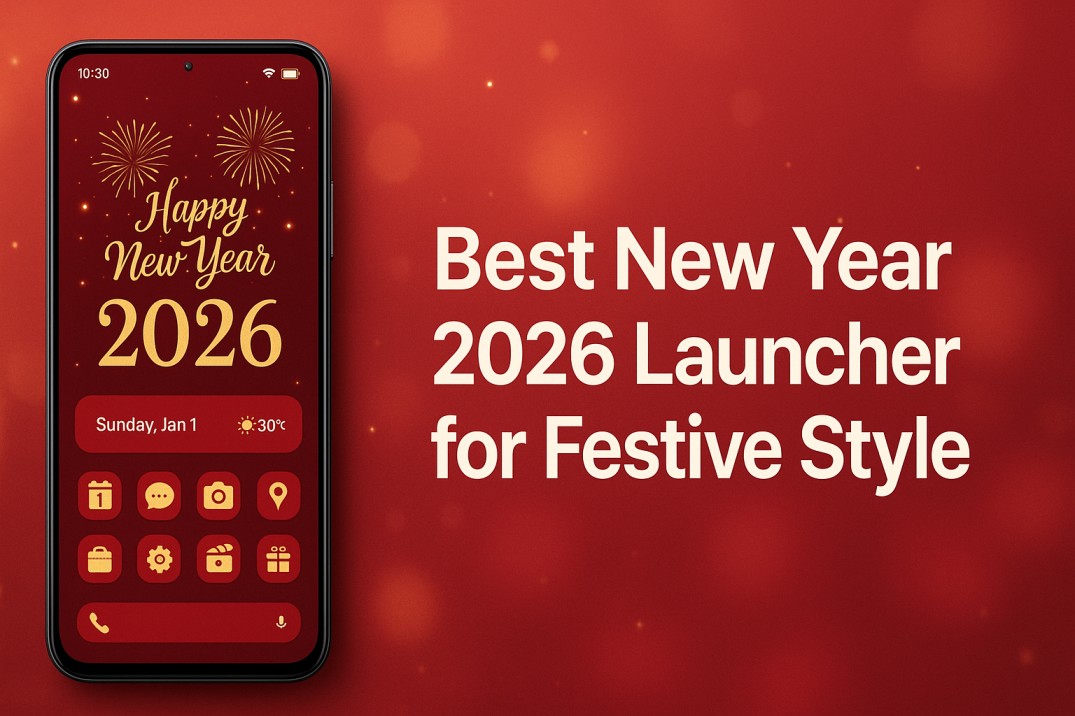
Best New Year 2026 Launcher for Festive Style

The Best New Year 2026 Launcher is no longer just about changing wallpapers or icons for a few days of celebration. Android users now treat customization as a daily experience that affects focus, comfort, and mood. As 2026 begins, phones feel like personal spaces that deserve the same fresh energy people bring into their goals, routines, and mindset.

A festive launcher sets that tone instantly. It transforms the home screen into something intentional, calming, and visually uplifting without slowing performance or draining battery life. The right launcher makes the phone feel new again while staying practical for long term use.

Why Phone Customization Feels More Meaningful in 2026

Android phones have become central to work, creativity, and connection. As a result, people check their screens hundreds of times each day. Because of this constant interaction, cluttered layouts or dull visuals affect focus more than most users realize.

In 2026, however, customization moves beyond decoration. Instead of random styling, users want a home screen that feels organized, expressive, and calm. As a result, festive design now means balance rather than noise. Colors feel warm, spacing feels intentional, and animations stay smooth instead of flashy.

Because of this shift, a well designed launcher helps users feel in control of their digital space. Over time, that sense of control carries emotional value, especially at the start of a new year.

What Defines a Truly Festive Android Launcher in 2026

Not every festive launcher delivers a good experience. Some focus too heavily on visuals and forget daily usability. Others remain minimal but fail to capture any celebratory energy.

A great festive Android launcher in 2026 balances three elements carefully.

First, it maintains visual clarity. Icons remain readable. Text stays clean. Layouts avoid overcrowding. Second, it supports deep customization. Users can adjust grids, gestures, and themes without complexity. Third, it performs consistently across devices, including older phones.

When these elements align, festive style feels natural rather than forced.

Visual Details That Create a New Year Atmosphere

Visual design sets the first impression. However, effective festive customization relies on restraint rather than excess. For example, subtle gradients, soft highlights, and coordinated icon packs feel premium and balanced. By contrast, loud colors and heavy effects often feel exciting for a day, but then quickly become distracting.

Because of this, a modern New Year theme launcher focuses on harmony. In practice, wallpapers complement icons, while spacing improves touch accuracy. At the same time, fonts remain legible even at smaller sizes. Together, these details create a calm yet celebratory experience.

Ultimately, an Android home screen makeover works best when users forget about it and simply enjoy using their phone.

Why Performance Matters More Than Ever

Festive visuals mean nothing if the launcher stutters. In 2026, therefore, users expect smooth scrolling, responsive gestures, and stable animations across all usage conditions.

Because performance affects trust, users feel confident using a launcher when it remains fluid during multitasking. At the same time, battery efficiency also matters. As a result, a launcher should enhance appearance without running constantly in the background.

For this reason, the Best New Year 2026 Launcher supports festive customization while keeping speed consistent, even on mid range devices.

Privacy and Personal Control in Modern Launchers

Privacy awareness has grown significantly among Android users. As a result, people now question how apps handle data and permissions. Because a launcher sits at the center of the phone experience, trust becomes essential.

In response to this expectation, a modern launcher respects user boundaries. For instance, it avoids unnecessary data access and offers transparent settings. At the same time, users maintain full control over gestures, layouts, and app visibility.

When these protections work quietly in the background, users feel more relaxed using their device every day.

Easy Setup Without Losing Flexibility

Many users enjoy customization but dislike complex setup processes. In 2026, launchers must offer quick onboarding without limiting advanced options.

A good festive Android launcher allows users to apply a complete look within minutes. At the same time, it provides deeper settings for those who enjoy fine tuning layouts over time.

This balance makes customization accessible for beginners while remaining powerful for experienced users.

Success Story

A Fresh Start Screen That Made New Year 2026 Feel Personal

Rohit from Jaipur wanted his phone to feel motivating again. He had used the same layout for years. At the start of 2026, he changed his launcher theme to a festive yet minimal style.

The difference surprised him. His home screen felt calmer. App access felt quicker. Even short phone sessions felt less draining. The new layout became part of his daily routine instead of a temporary celebration.

For Rohit, customization became a meaningful reset.

Find more clean guides on Top To Find:

Case Study

How a Festive Launcher Turned an Old Phone Into a New Year Upgrade

Neha from Pune used a three year old Android device. At that point, performance felt average, and the interface looked dated. Instead of immediately upgrading hardware, she focused on customization.

After switching to a modern festive launcher, her phone felt faster and more enjoyable. As a result, navigation improved, and visual consistency reduced clutter. Even though the hardware remained the same, the experience felt refreshed.

Thoughtful customization extended the phone’s usability without additional cost.

How CMM Launcher Helps Users Welcome 2026

CMM Launcher supports festive customization without sacrificing daily comfort. Its smooth interface ensures stable performance across different Android versions. Users enjoy flexible layouts, gesture controls, and theme options that feel intentional rather than overwhelming, as a result of thoughtful design choices.

Privacy remains a core strength. CMM Launcher avoids intrusive permissions and keeps user control central. Customization feels personal, not invasive.

For users seeking the Best New Year 2026 Launcher, CMM Launcher offers a balance of festive design, performance stability, and long term usability.

Real User Reviews

Amit Verma, Delhi
“I wanted a festive look without slowing my phone. CMM Launcher feels smooth, even after weeks of use. The layout control impressed me.”

Sneha Kulkarni, Nagpur
“My phone finally feels organized. Icons match the wallpaper beautifully, and battery usage stays normal. It feels practical, not gimmicky.”

Rahul Mehta, Ahmedabad
“I value privacy a lot. This launcher feels transparent and respectful. Customization stays fun without constant prompts or distractions.”

Community Forum Discussions

Sanjay Patel, Surat
Question: Does a festive launcher affect daily performance after the New Year period ends?
Answer: If designed well, festive elements remain lightweight and do not impact speed long term.

Pooja Sharma, Noida
Question: Can I keep my layout minimal while still enjoying New Year customization?
Answer: Yes, modern launchers allow subtle festive accents without cluttering the screen.

Frequently Asked Questions

Is a New Year launcher useful beyond January?
Yes, quality launchers focus on long term usability, allowing festive elements to blend into everyday layouts comfortably.

Does festive customization drain battery faster?
Efficient launchers optimize animations and background activity, keeping battery usage stable throughout daily use.

Can older Android phones handle modern launchers smoothly?
Well optimized launchers support mid range and older devices with stable performance and adjustable visual settings.

Do launchers collect personal data?
Trusted launchers prioritize privacy, limit permissions, and provide transparent control over user settings.

Is setup complicated for beginners?
Most modern launchers offer guided setup with default themes, making customization easy for first time users.

Conclusion

The Best New Year 2026 Launcher represents more than festive visuals. Instead, it reflects how users shape their digital environment to support comfort, focus, and personal expression. Because of this balance, a thoughtful launcher delivers celebration without chaos, style without slowdown, and control without complexity.

As 2026 begins, therefore, choosing the right launcher becomes a small but meaningful step toward a smoother daily experience.

Download CMM Launcher from Google Play Store