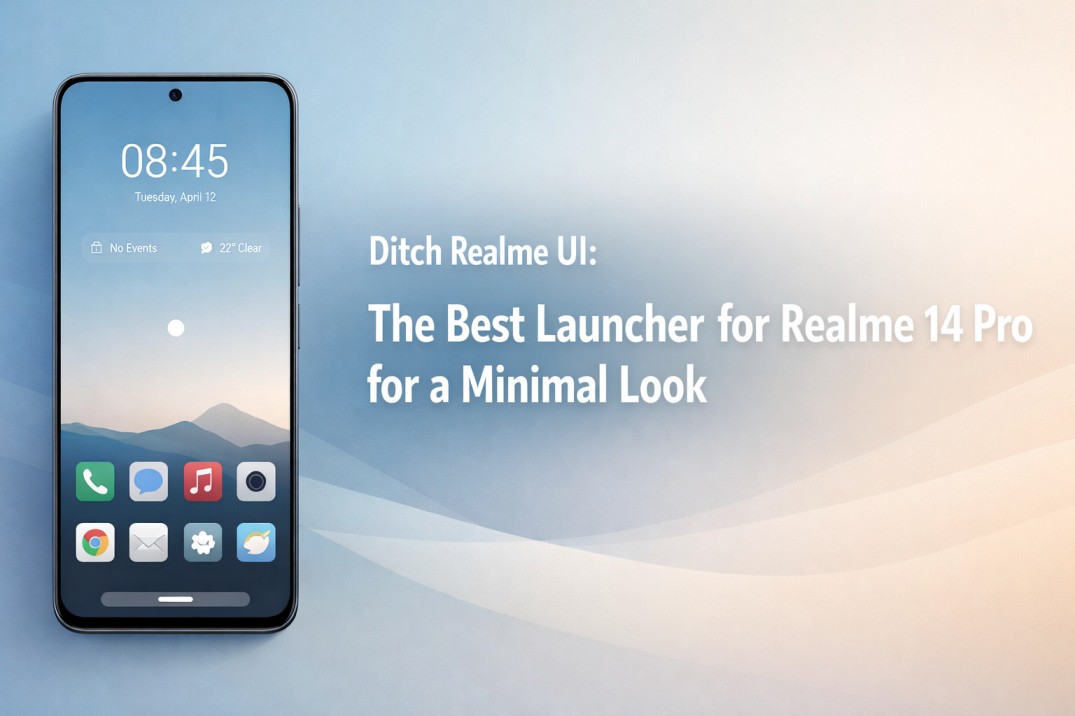
If you use a Realme 14 Pro daily, you probably admire its hardware the curved display, the leather finish, the camera. But you likely feel quietly irritated by the interface. The search for the Best Launcher for Realme 14 Pro becomes a real question when Realme UI starts feeling busy, noisy, and mentally tiring.
You unlock your phone often, yet every swipe shows something extra you never asked for a “Hot App” suggestion, a magazine lock screen, or a cluttered folder. Over time, that visual clutter affects your focus, speed perception, and even your mood.
A minimal launcher does not promise miracles. Instead, it promises calm control, visual clarity, and smoother daily use without breaking how Android should feel.
🧘 Quick Summary: Why Switch?
- The Pain Point: Realme UI is packed with “Hot Apps,” ads, and heavy animations.
- The Goal: A phone that serves you, not advertisers.
- The Solution: CMM Launcher creates a distraction-free zone.
- The Result: Faster navigation, zero ads, and reduced digital anxiety.
Why Realme UI Feels Overwhelming
Realme UI tries to please everyone. However, when features pile up, simplicity quietly disappears. Even powerful phones like the Realme 14 Pro start feeling heavy under the weight of “useful” features.
Too Many Visual Layers
Icons, widgets, folders, notification badges, and animations compete for your attention simultaneously. Nothing looks “wrong” individually, yet together they create constant visual noise. Your eyes keep scanning the screen instead of resting on what you actually need.
Preloaded Distractions
Smart suggestions and system prompts often appear when you least expect them. Instead of helping, they interrupt your flow during simple tasks like searching for a contact or opening a note app.
What “Minimal” Actually Means
Minimal does not mean boring or empty. It means intentional design that respects your attention and time. True minimalism removes friction, not just color.
Fewer elements reduce “decision fatigue.” When your home screen stays predictable, your brain relaxes. You navigate faster without thinking. Over weeks, that calm adds up, creating a subtle emotional ease—especially for users who rely on their phone heavily for work.
Key Expectations: Speed & Battery
Before switching, clarity matters. A good launcher should improve daily experience, not add new problems.
- Performance Consistency: A launcher must remain smooth across scrolling and multitasking. Minimal design should never cost responsiveness.
- Battery Efficiency: Heavy animations drain power. A minimal launcher respects battery limits, often extending your screen-on time.
- Privacy: A launcher sits at the center of your phone. It should not demand unnecessary permissions or track behavior silently.
Why CMM Launcher Fits the Realme 14 Pro
CMM Launcher aligns naturally with what Realme 14 Pro users expect from a minimal setup. It does not chase visual gimmicks; it chases efficiency.
Clean Layout Philosophy
The layout feels intentional. Icons breathe, spacing feels balanced, and nothing fights for attention. The home screen settles quickly, allowing your wallpaper and essential apps to take center stage.
Lightweight and Smooth
Realme 14 Pro has a 120Hz display, and CMM Launcher respects that. Scrolling remains fluid, and gestures respond instantly without the “lag buildup” that happens in stock launchers after weeks of uptime.
Comparison: Realme UI vs. CMM Launcher
| Feature | Realme UI (Stock) | CMM Launcher (Minimal) |
|---|---|---|
| Visual Clutter | High (Suggestions/Cards) | Zero Clutter |
| Ads | Occasional (System Apps) | No Ads |
| Customization | Theme Store Based | User Controlled |
Find more clean guides on Top To Find:
- One UI 8 Too Heavy? The Best Launcher for Samsung Galaxy S26 Ultra (Lightweight)
- Refresh Your Screen: Top Android Launcher for Galaxy S26 to Customize Icons
- Make It 2x Faster: Top Android Launcher for Redmi Note 15 Pro+ to Fix Lag
- Hate HyperOS Ads? The Best Launcher for Redmi Note 15 Pro (No Bloatware)
- Get the “Pixel Look”: Top Android Launcher for OnePlus 14R (Clean & Fast)
Success Story: From Chaos to Clarity
Amit from Indore used his Realme 14 Pro for work calls, banking, and content reading. Initially, the flashy Realme UI felt exciting. But after months, distractions grew. Notifications overlapped, widgets cluttered the screen, and searching for apps slowed him down.
Switching to CMM Launcher simplified everything. He removed excess widgets, used gesture navigation, and kept only 5 essential apps on his home screen. “Within a week, I noticed fewer accidental taps,” Amit says. “My phone finally felt like a tool again, not a billboard.”
Real User Reviews
Rahul Mehta, Jaipur
⭐⭐⭐⭐⭐
“I wanted a clean Android feel without rooting my Realme 14 Pro. CMM Launcher gave me control and stability without complexity.”
Sneha Kapoor, Noida
⭐⭐⭐⭐⭐
“Realme UI felt distracting after updates. This launcher helped me regain focus. It’s calm, fast, and stable.”
Frequently Asked Questions
Q: Is CMM Launcher safe to use on Realme 14 Pro?
A: Yes, it operates within Android standards and does not access sensitive data unnecessarily.
Q: Will using a launcher slow down my phone?
A: No. A lightweight launcher often improves perceived speed by reducing background load compared to the stock interface.
Q: Does a minimal launcher reduce battery life?
A: Minimal launchers usually consume less power since they avoid heavy animations and background services.
Final Thoughts: Choose Calm
Choosing the Best Launcher for Realme 14 Pro is less about replacing Realme UI and more about reclaiming control. Minimal design supports focus, reduces friction, and enhances daily comfort.
CMM Launcher fits this role quietly. It does not demand attention, permissions, or constant adjustments. Instead, it adapts to how you use your phone naturally. When your interface feels calm, your phone becomes an extension of intent rather than distraction. That change matters more than any visual upgrade.
